HYOUKA Kiosk Guide
Learn more
Compile questionnaires from scoring type, multi-selection and multi-selection with images types of questions.
Use QR guiding to encourage mail magazines and member registration, Google Map reviews, or to follow in social media.
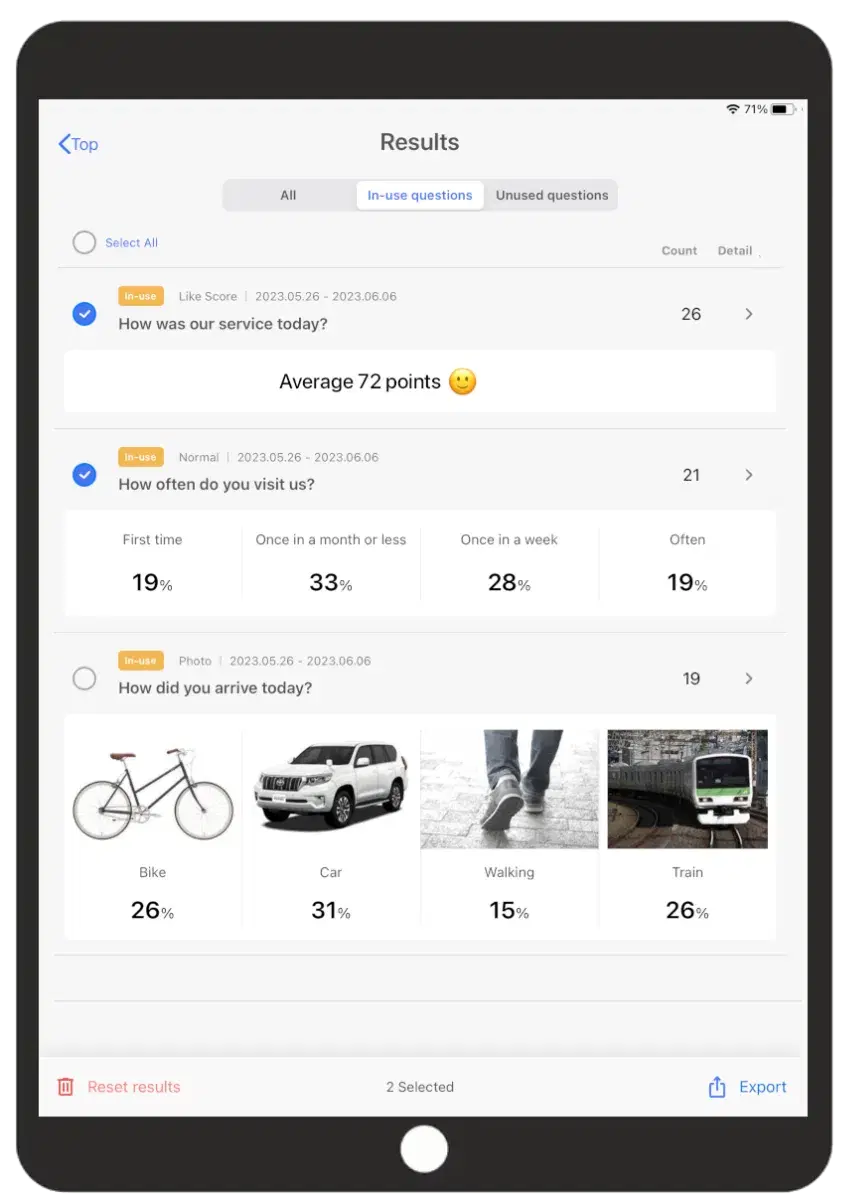
Analyze data easily. Trends, automatic identification of best and worst performing times, detailed filtering and export results as a CSV file.
Tablet and application settings
Ensure smooth collection and prevent potential issues with your customers

Hints for an effective survey
The application supports scoring type of questions, and a multiple-choice system with or without photos. All of these can be customized to fit your needs.

Tablet placement
Where you place your device is directly linked to the response rate. Position your device where customers spend the most time during their interaction with your service.

Step 4: Learn more about the analytics
Notice that some of the functions require a paid subscription plan.
Read more →