Make data based decisions, increase customer satisfaction and ultimately grow your revenue.
After gathering the valuable data, use Hyouka's intuitive and easy interface for exploring results.
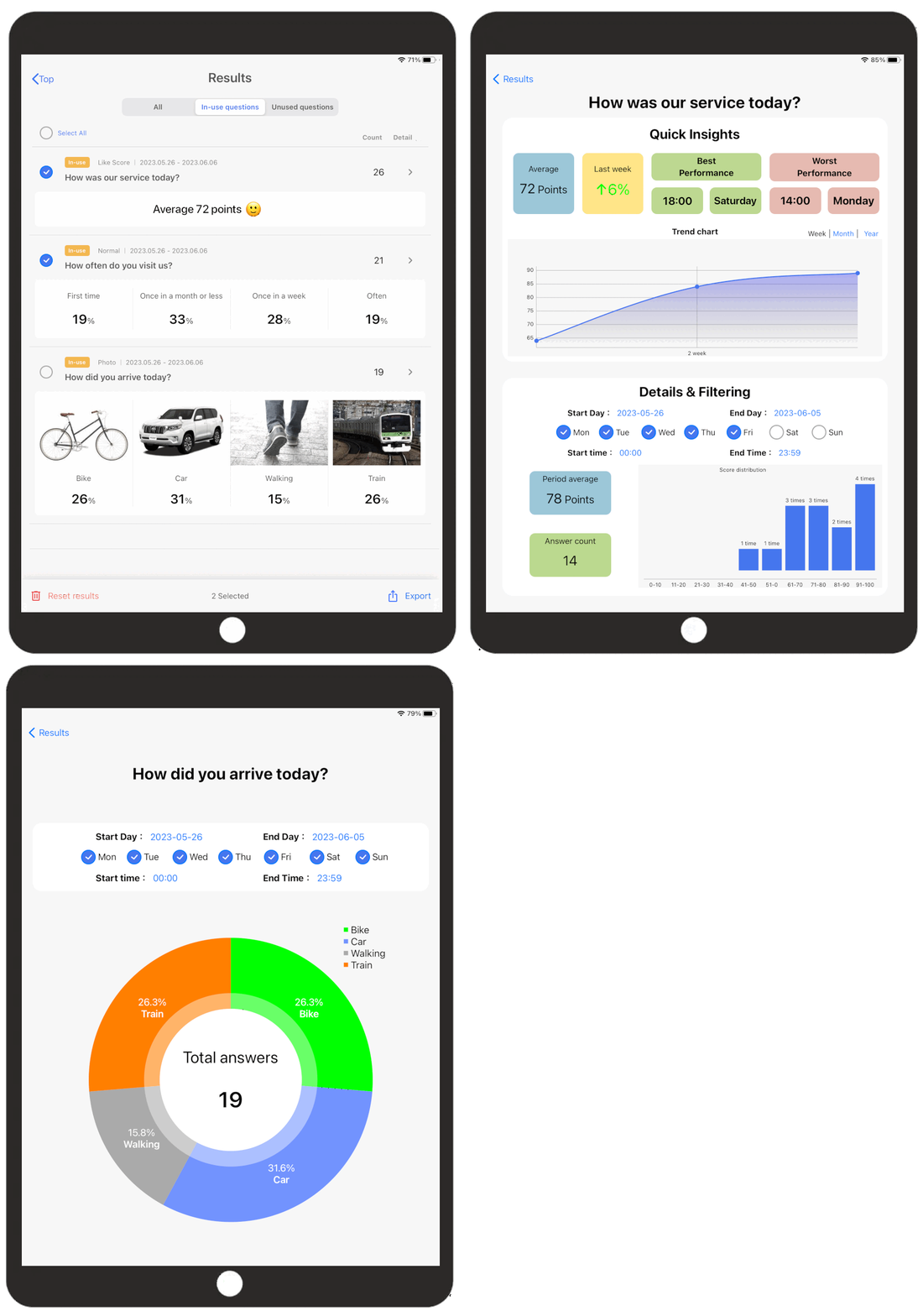
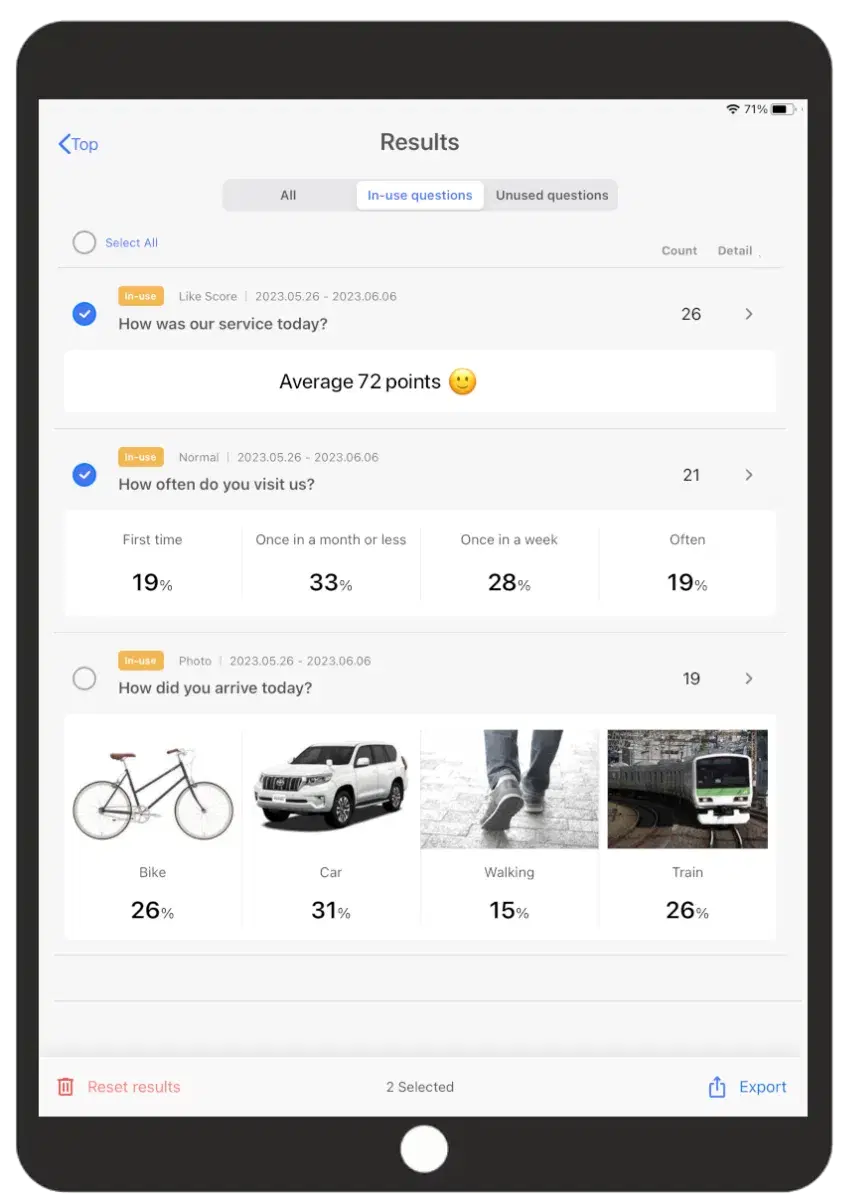
See results at once
Easy to understand list view shows average score for scoring type of questions and proportion of answers per choice for multiple-choice questions. Group results by in-use or unused questions. Delete results based on time interval. If you uninstall the application by accident or update, the results are still safe.
Designed for professional data analysis
Export all or selected questions to a CSV file.
The CSV data allows for advanced cross filtering. For example, it allows you to set up follow-up questions, digging deeper why customers rated low or high. It also allows for multi-terminal analysis, comparing multiple stores or locations inside a store. We're releasing more features soon. Contact us for additional support and further analysis.

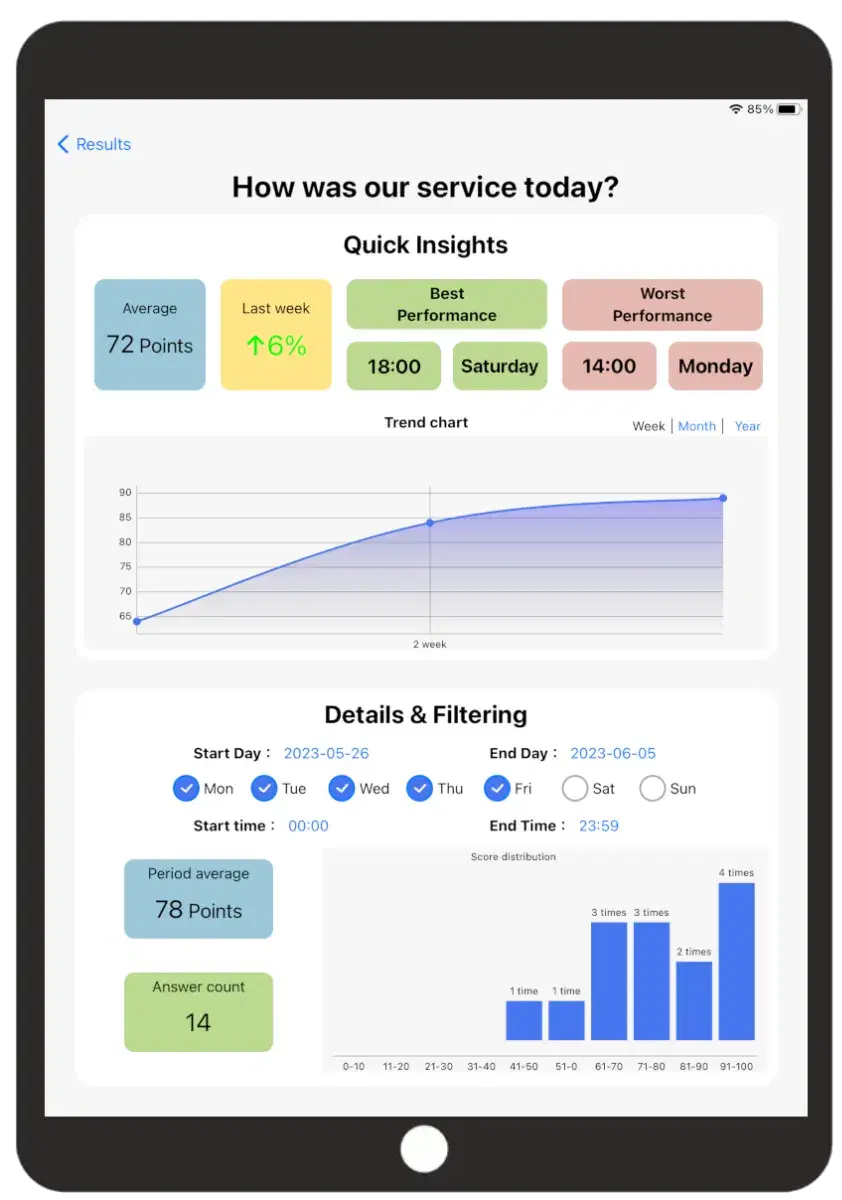
Quick insights, trends and more
Quick insights show weekly average, progression from last week, automatic identification of best and worst performing times.
Easily check the progression on a weekly, monthly, and yearly basis.
The filter function shows scores and responses over a certain period or pattern of time (for example weekday evening vs weekend evening), as well as the answer score distribution.
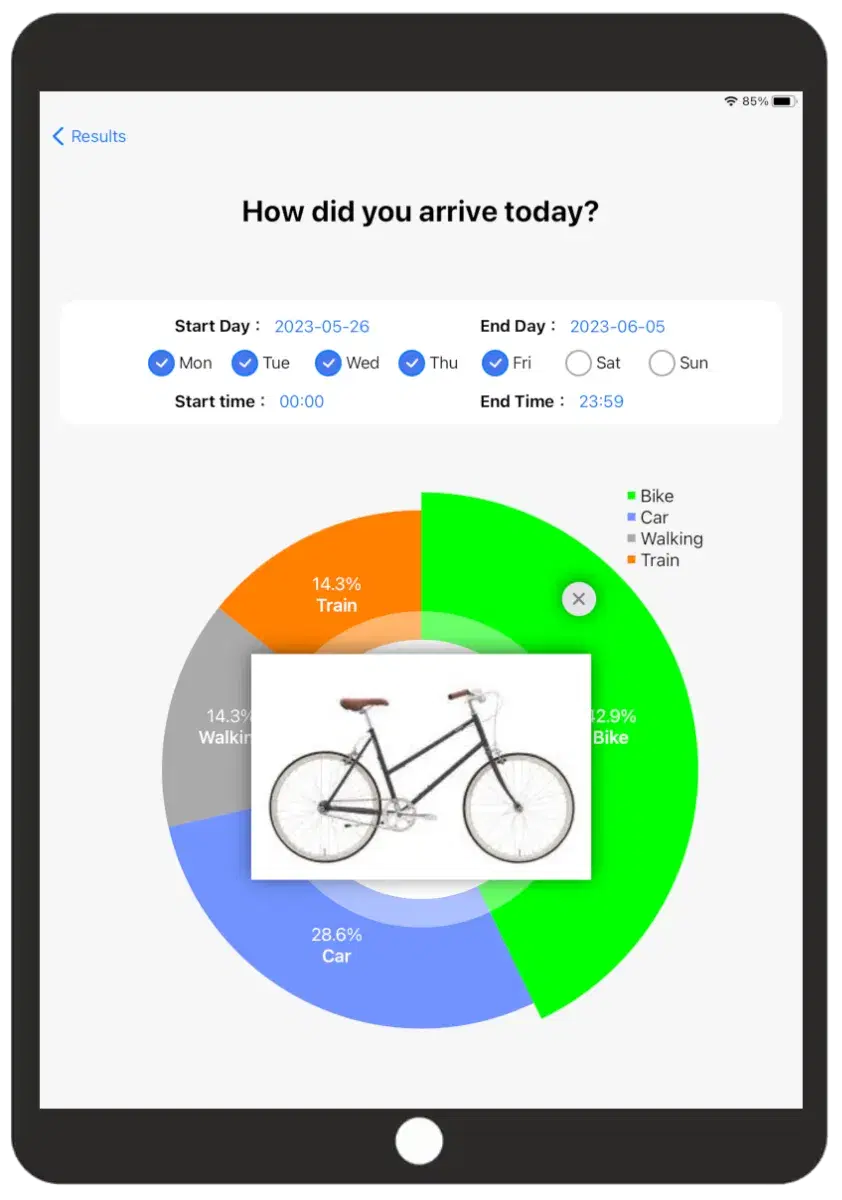
Simple graphs
In the case of multi-selection questions the total number and ratio of responses are shown. If question contained images, the image will be displayed when you click on the area.
The filter function shows scores and responses over a certain period or pattern of time (for example weekday evening vs weekend evening), as well as the answer score distribution.
Notice that some of the functions require a paid subscription plan.